
Consistent Character from Scratch in ComfyUI (Part 1)
The workflow below (inside image) uses CyberRealistic XL Catalyst and Face IPAdapter for SDXL models.
This adapter works particularly with SDXL models. Different SDXL models have different weights, so the adapter translates faces across models differently. For best face consistency, generate the face reference image with the same model used for IPAdapter.
This is Part 1. Higher quality images can be generated later with more sophisticated models (Z Image will be tried). This method generates the first dataset with character images.
Local or Cloud
If you are not generating it locally (you need ~8GB VRAM) you may consider using RunPod
In one of my previous tutorials I have included the steps to prepare the setup. You may choose the same GPU used in the tutorial, but for downloading models use this script instead:
#!/bin/bash BASE_DIR="/workspace/runpod-slim/ComfyUI/models" mkdir -p "$BASE_DIR/checkpoints" "$BASE_DIR/loras" echo "Starting model downloads..." echo "Downloading checkpoint model..." wget -O "$BASE_DIR/checkpoints/cyberrealisticXL_catalystXLV20DMD2.safetensors" \ "https://civitai.com/api/download/models/2218544?token=${CIVITAI_TOKEN}" echo "Downloading IPAdapter model..." wget -O "$BASE_DIR/ipadapter/ip-adapter-plus_sdxl_vit-h.safetensors" \ "https://huggingface.co/h94/IP-Adapter/resolve/main/sdxl_models/ip-adapter-plus_sdxl_vit-h.safetensors" echo "Downloading Clip Vision model..." wget -O "$BASE_DIR/clip_vision/clip_vision_h.safetensors" \ "https://civitai.com/api/download/models/1926656?token=${CIVITAI_TOKEN}https://huggingface.co/Comfy-Org/Wan_2.1_ComfyUI_repackaged/resolve/main/split_files/clip_vision/clip_vision_h.safetensors" echo "Download complete!"python
Be sure to install missing nodes in Node Manager when you open workflow from above in ComfyUI.
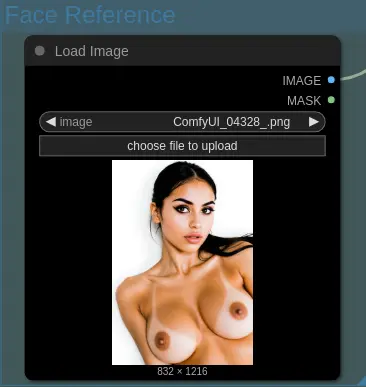
Face Reference
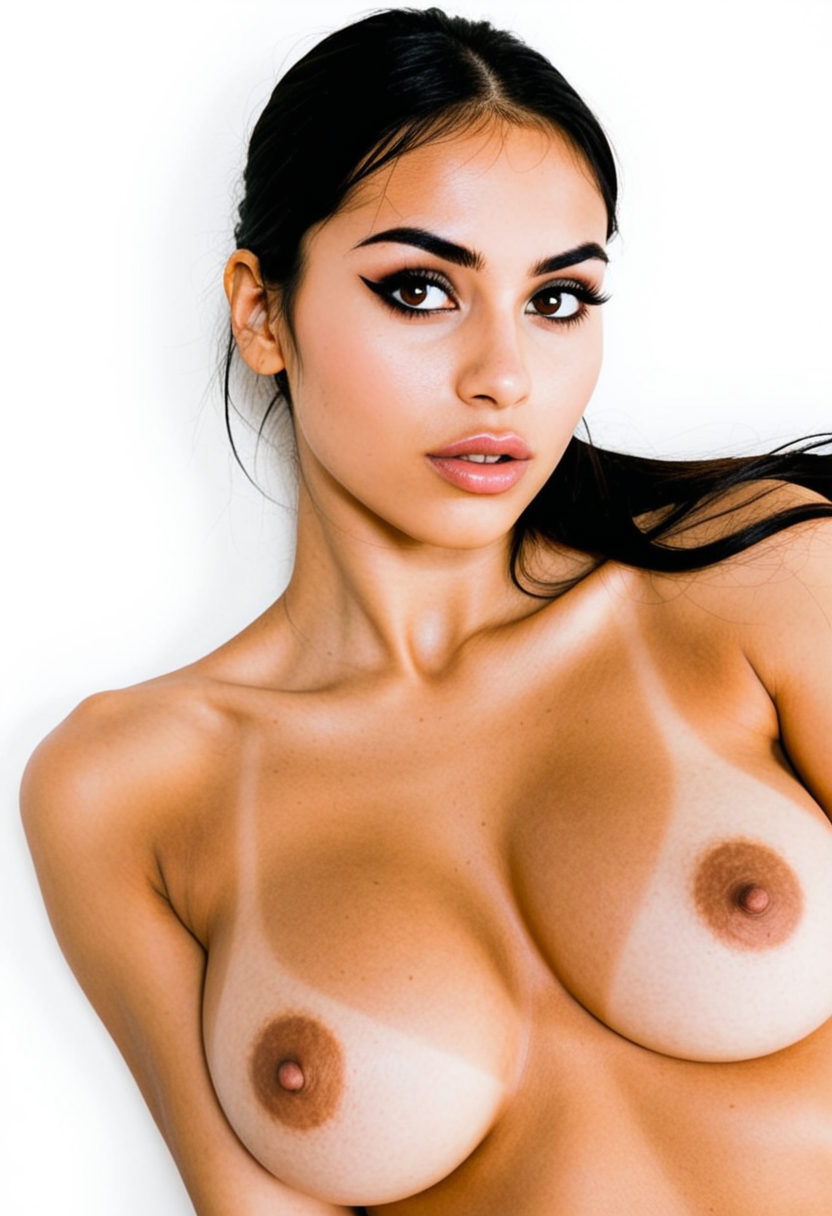
Use the same photo generated by the same model as face reference:
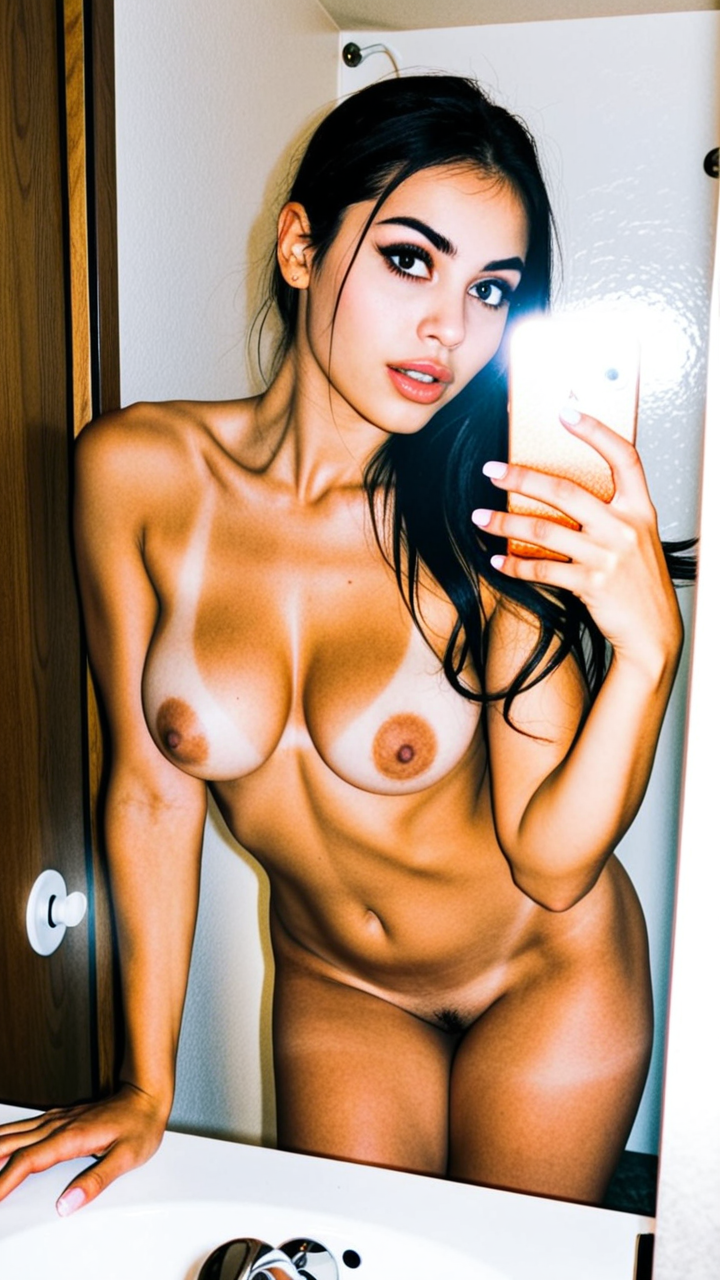
Composition Reference
Image from below is generated with Z image Turbo RedCraft version + Lenovo UltraReal LoRA. Any image can be used here, as the model generates the environment, clothes, etc., in its own style.

Workflow Screenshot
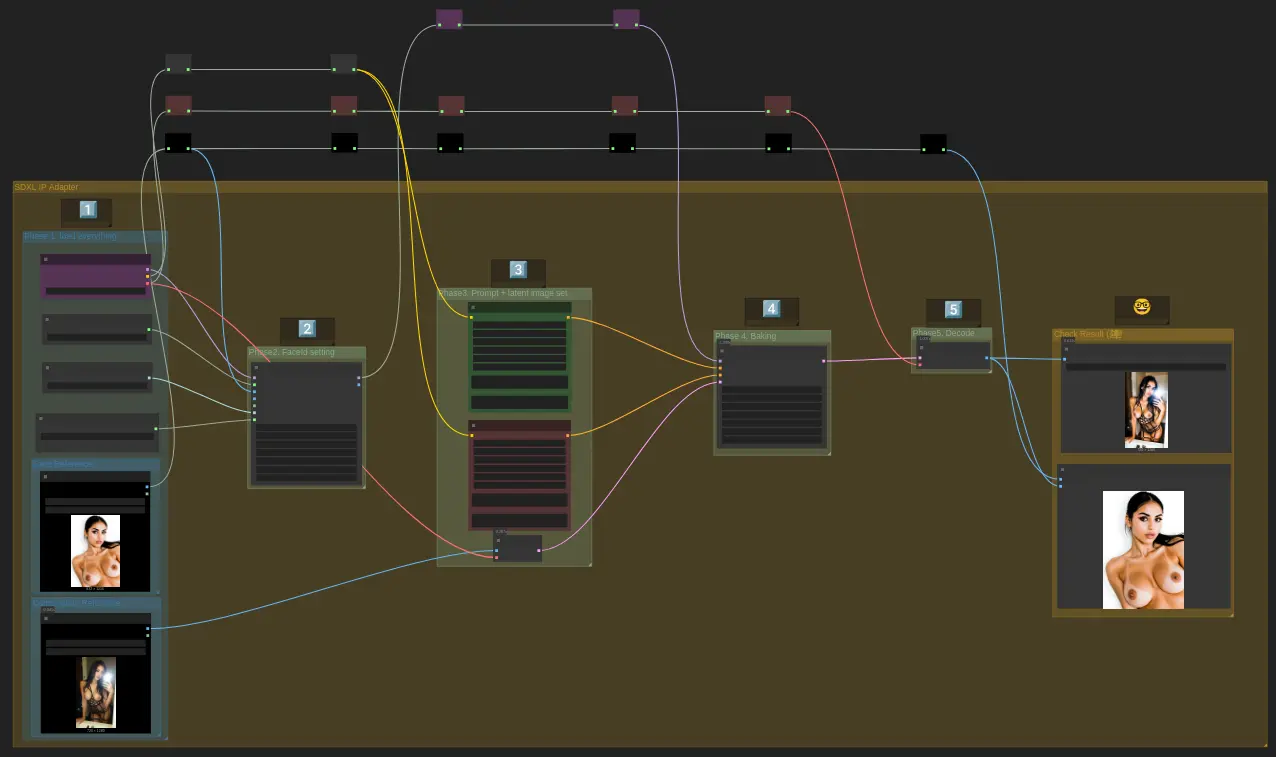
Load Face Reference
Load the face reference into the Load Image node as shown:
Load Composition
For composition, use the following Load Image node:
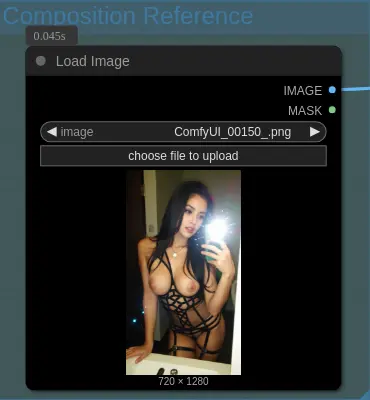
The composition reference is VAE encoded and used as the latent image fed to the model, sampled with 1.0 denoise.
Tip: If the image changes drastically and parts of the reference are missing (creating an unrealistic look, e.g., phone disappears), lower denoise to 0.6-0.8. Not all images have similar faces—select the most resembling one.
Example Outputs

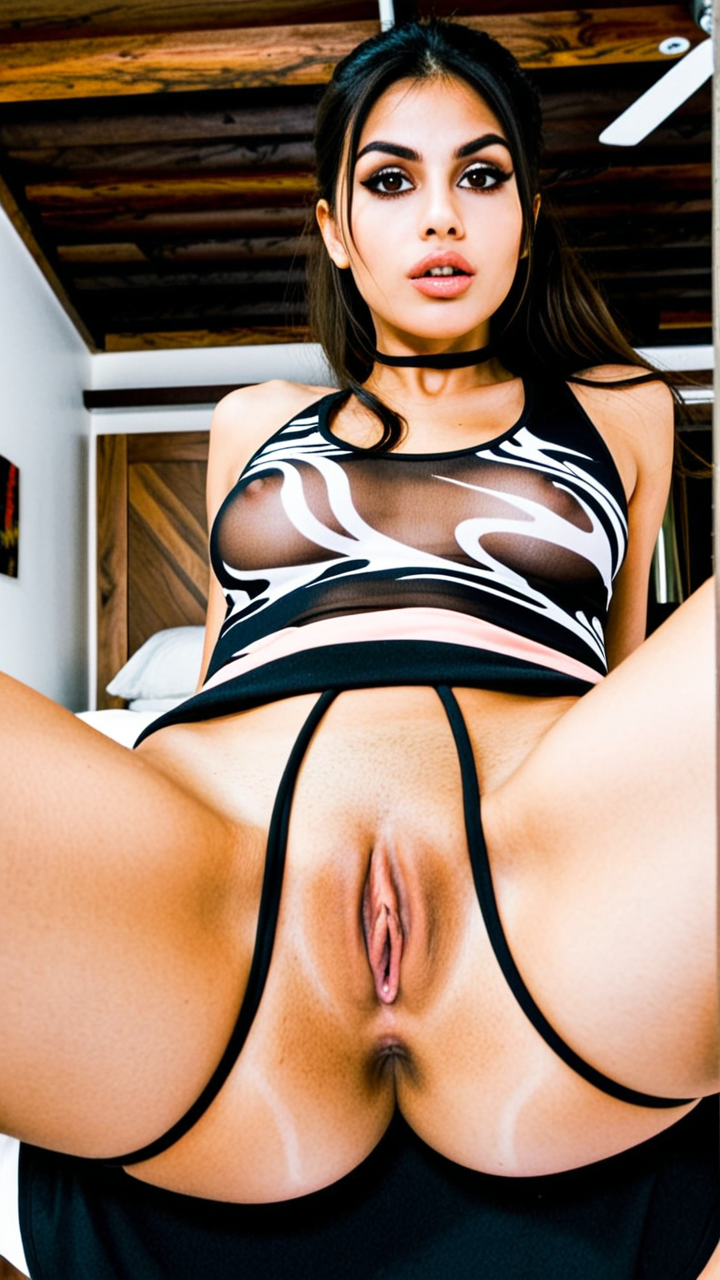

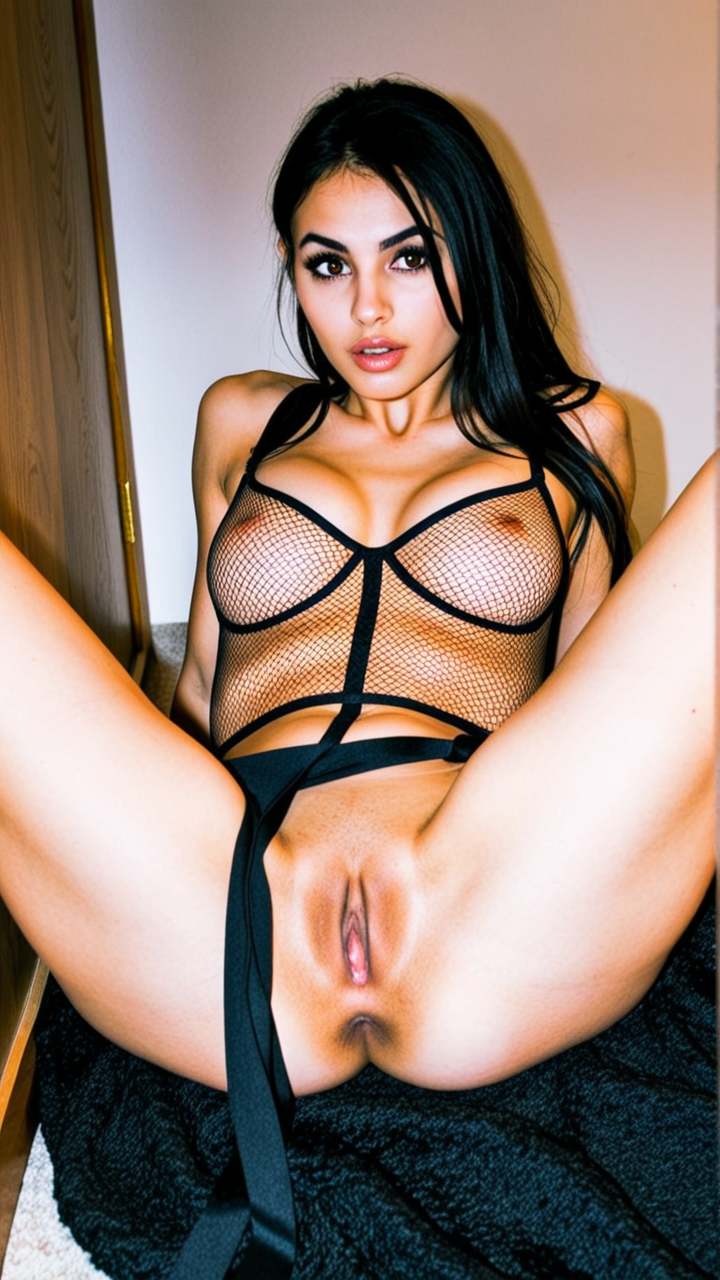
The method generates somewhat consistent body parts like vagina and anus, even though they are not in the face reference. IPAdapter embeddings bias the model to generate the same identity.
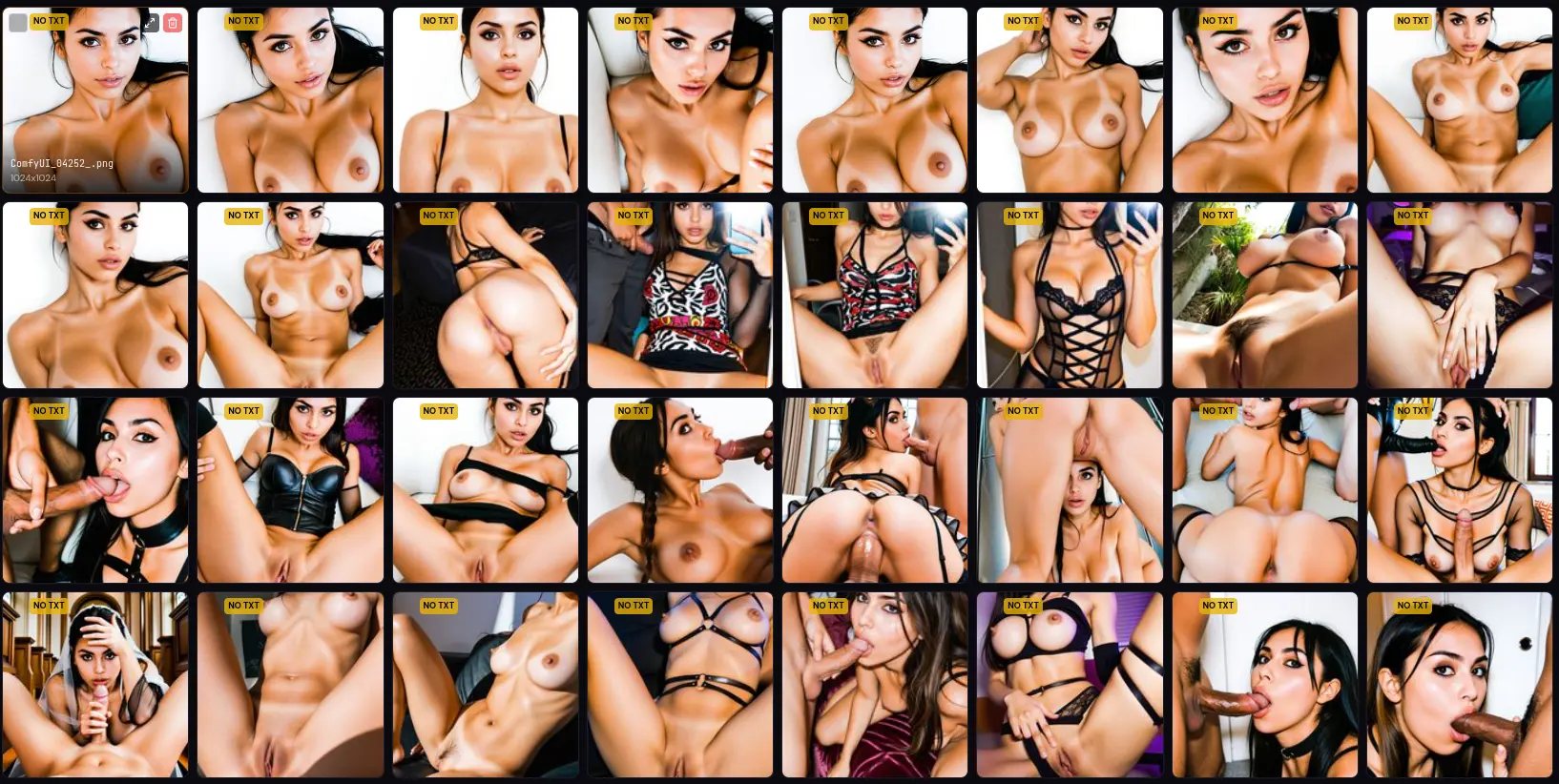
Various NSFW concepts are included in the dataset so the LoRA can be flexible for such scenes with the character.
Next Steps
Part 2 prepares the dataset and trains the character LoRA.
Comments